Say what the board should do.

A schematic and board editor with an engineer in the sidebar. Ask for a circuit; it draws it, routes it, and checks its own work.

Free, and there is no account. Every platform.

regulator.kicad_pcb — 56 × 30 mm, 2 layer

Agent
A 5 V to 3.3 V regulator — AMS1117, 10 µF either side, screw terminals both ends, and a power LED.

Seven parts, four nets, ground poured on both sides. The board is on the right — drag it, or press play to watch it built.

Checking the board against your rulesclean, no violations

Scripted, from a real session's wording. No model is called from this page.

100%

A real board file, drawn from the KiCad footprint library the app ships — every pad, drill and outline is the library's. Drag to pan, scroll to zoom, click a part. Build this one yourself →

A two-layer board, top down: copper, pads, drilled holes, silkscreen, and no parts on it yet. The board editor: a two-layer layout with white courtyard and fabrication outlines, red front-copper tracks, blue back-copper runs, pads, vias and a RIVET PCB silkscreen.

First it is a drawing.

Pads, courtyards and copper on a real canvas. This is the editor, not a picture of one.

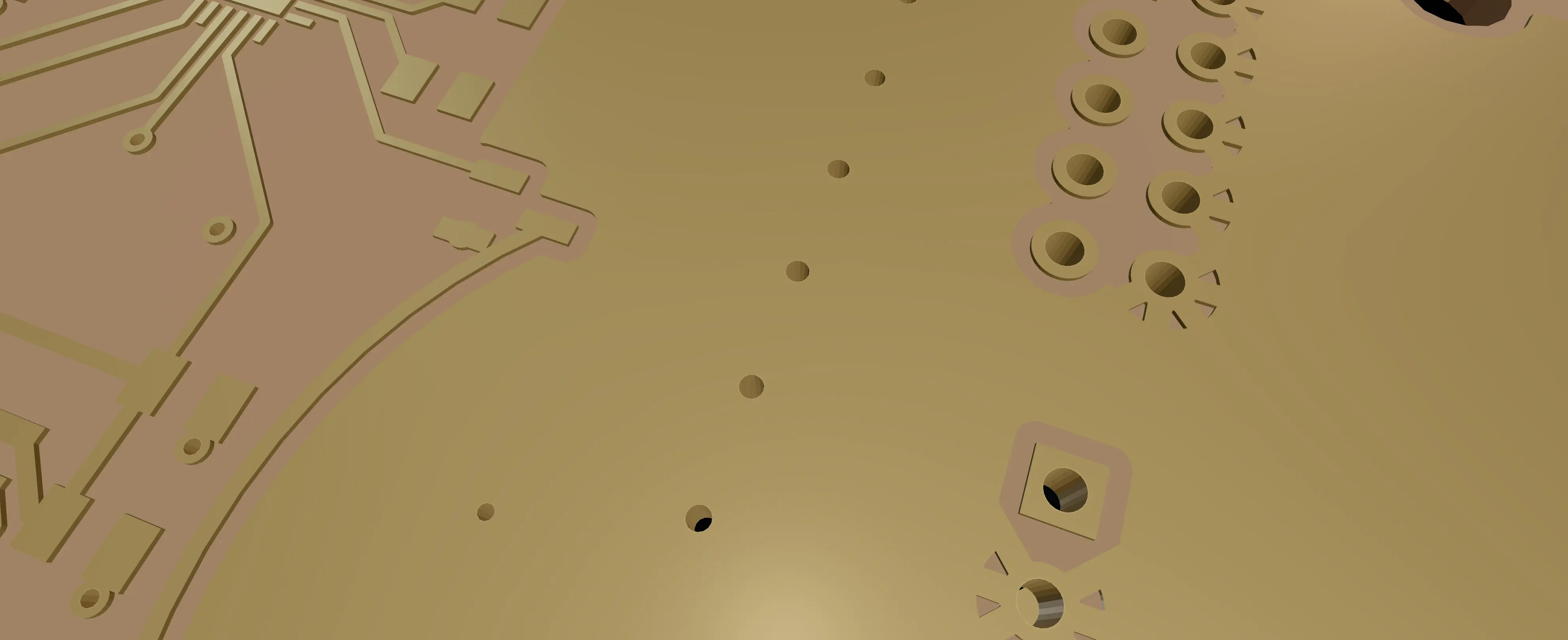
Then it is copper and holes.

Two layers, a pour on the back, mounting holes, a cutout, silkscreen. The board as the fab would make it.

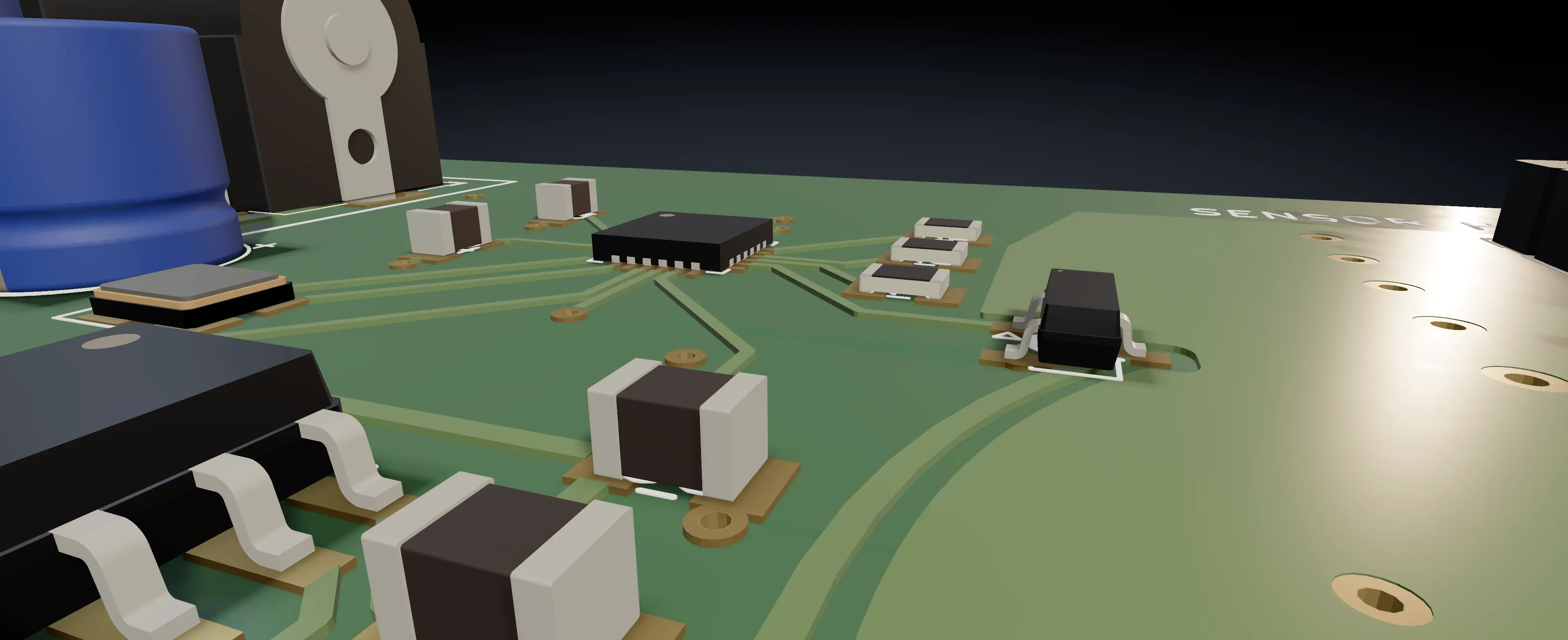
Then the parts are on it.

Twenty-two footprints — real pad geometry, real drills, each with its own 3D model.

And it is a thing you could hold.

Same file. The 3D view is built from the geometry that goes to the fab.

This is a screenshot.

Every board on this page came out of Rivet PCB on a laptop. Export STEP and drop it in the enclosure.

What is in it

01

A whole EDA app, with the agent bolted through it.

Close the panel and it is still a complete schematic and board editor. That is the only reason the panel can be trusted with anything.

AgentNew session

Design a 5 V to 3.3 V regulator board — AMS1117-3.3, 10 µF in and out, screw terminals both ends.

Worked for 34s

Done. The schematic is clean and the board is poured — twenty-two footprints, four nets, no violations. One thing I did not do: you had R4 selected, so I left it where it was.

U1C1C2J1J2+3V3GND
Undo this turn 24 steps
The panel at the end of a turn. The work collapses to one line the moment the answer starts; the ask, the answer and the undo stay out where you can reach them.

An engineer in the sidebar.

It reads the design you actually have, edits it through the same engine your mouse goes through, then runs your rules against its own work.

How the agent is built
The Rivet PCB schematic editor: real KiCad symbols wired together, net labels, a hierarchy panel on the left and a filled-in title block.
Real KiCad symbols, real net labels, a title block that fills itself in.

A schematic editor you would use anyway.

Hierarchical sheets, the whole KiCad symbol set indexed at startup, buses, electrical rule checks, and Tab to drill into a symbol.

Learn about the schematic
The Rivet PCB board editor: layer list, properties, a violations panel, a filled ground pour, tracks and pads on a two-layer board.
The board editor on the same design. 22 parts, two pours.

Routing that shoves what is in the way.

Walk-and-shove, differential pairs, an N-layer stackup, pours with thermal reliefs, and a rule check that names the rule it broke.

Learn about board layout
The same populated board turned to a low three-quarter angle in the 3D viewer, showing seated components and their contact shadows.
The 3D view, built from the same geometry the fab gets.

What the fab needs, and what your CAD needs.

Gerber and drill for the board house. STEP and VRML for the enclosure. KiCad in and out — the same files, on your disk.

GerberDrillSTEPVRMLKiCad in & out
Learn about fabrication

What this is instead of

02

The difference is where the work lands.

A chat window that hands back a netlist to paste into the tool you actually use. It edits the document you have open. There is nothing to transcribe afterwards.
An autorouter you accept wholesale or throw away, with a history of its own. Every step lands on your undo stack. One press takes the whole turn back.
A browser tool that keeps your design on somebody else's disk. It runs on your machine, with your key, on files other tools read.
A demo that counts the runs where nothing was checked as runs that passed. It publishes where it fails — the worst groups as prominently as the best.
See where it falls down

Look closely

03

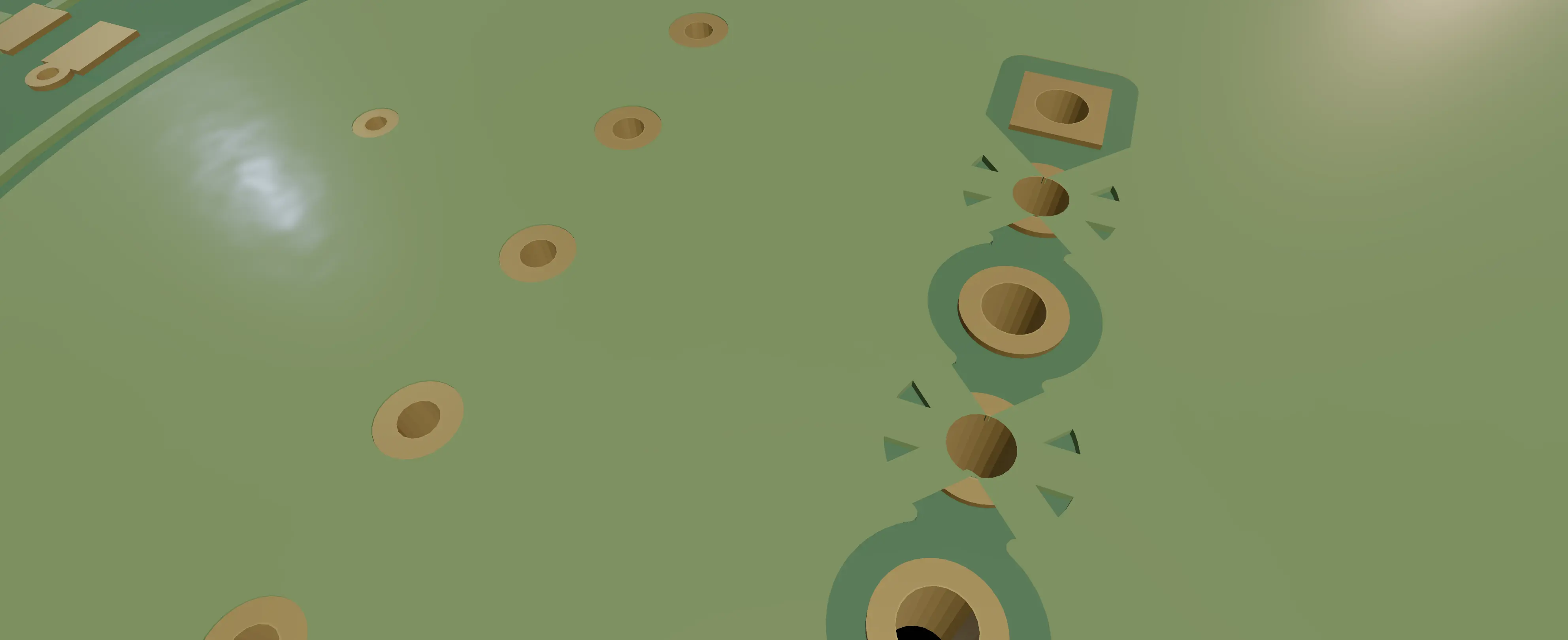
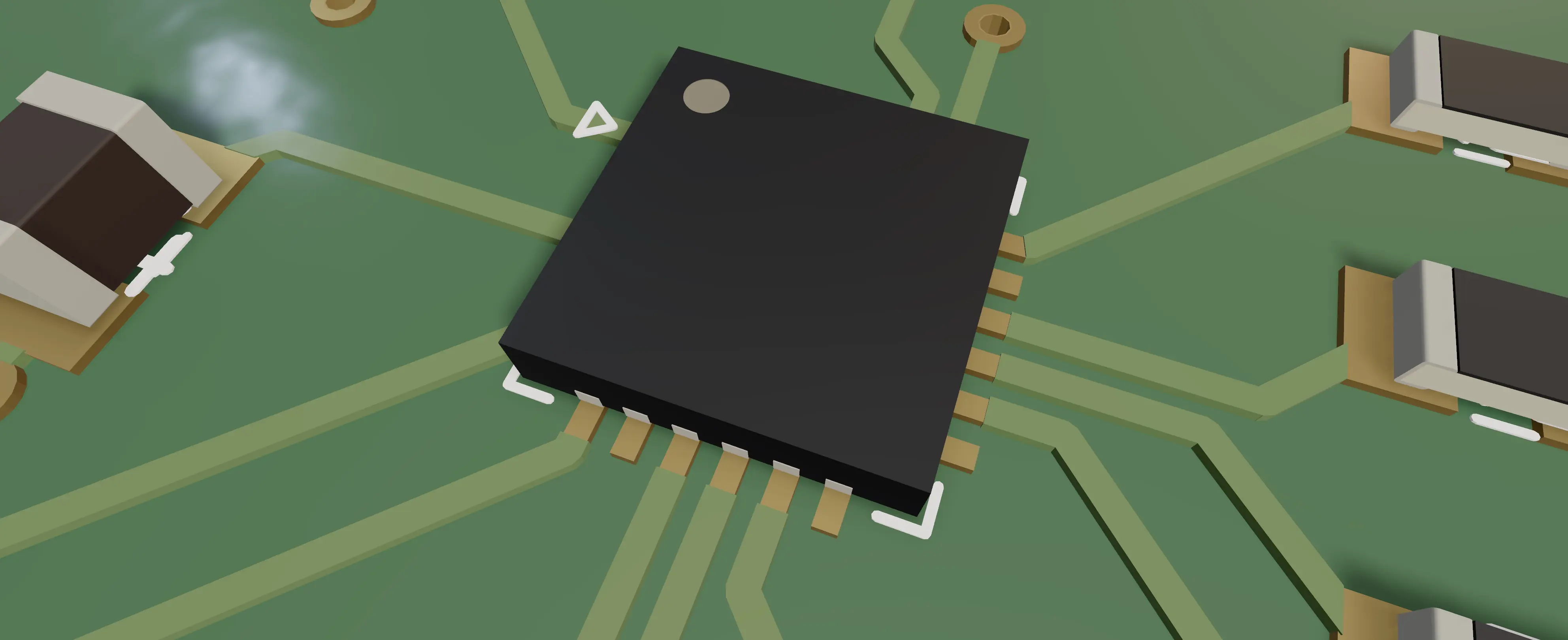
Every one of these is a screenshot.

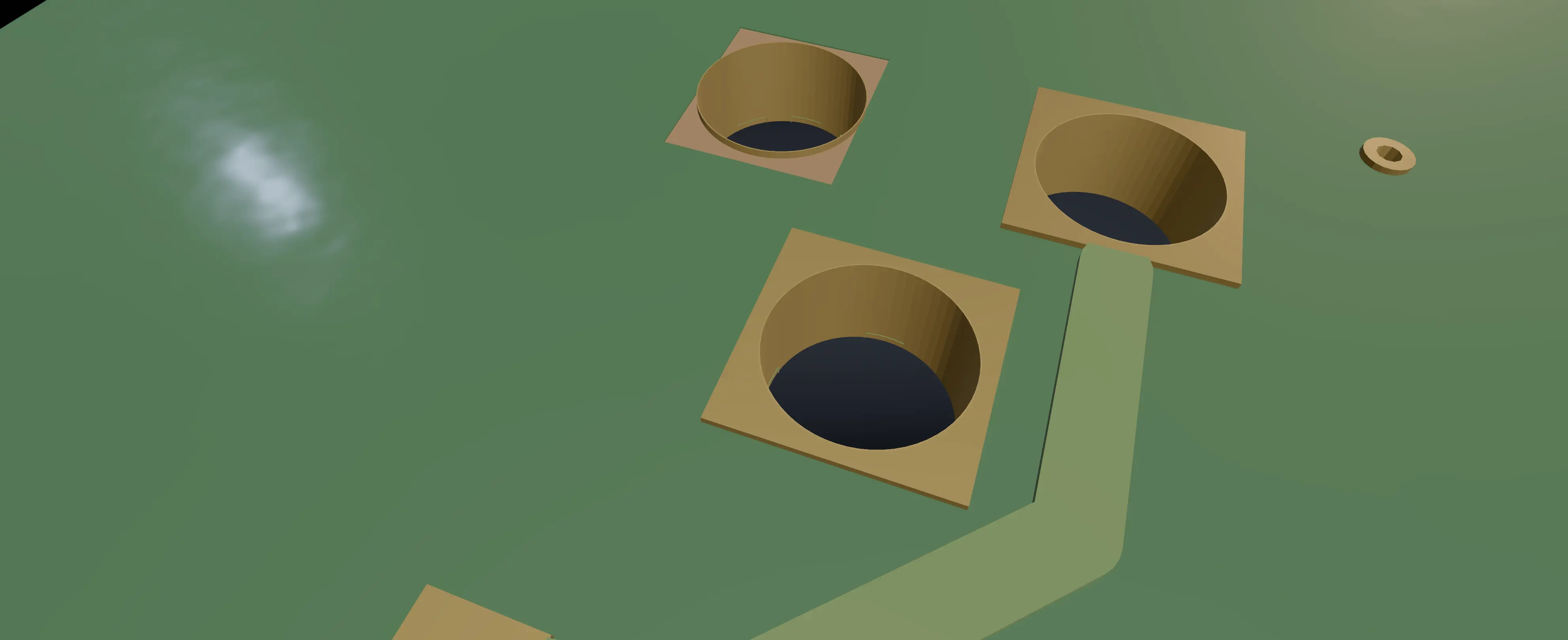
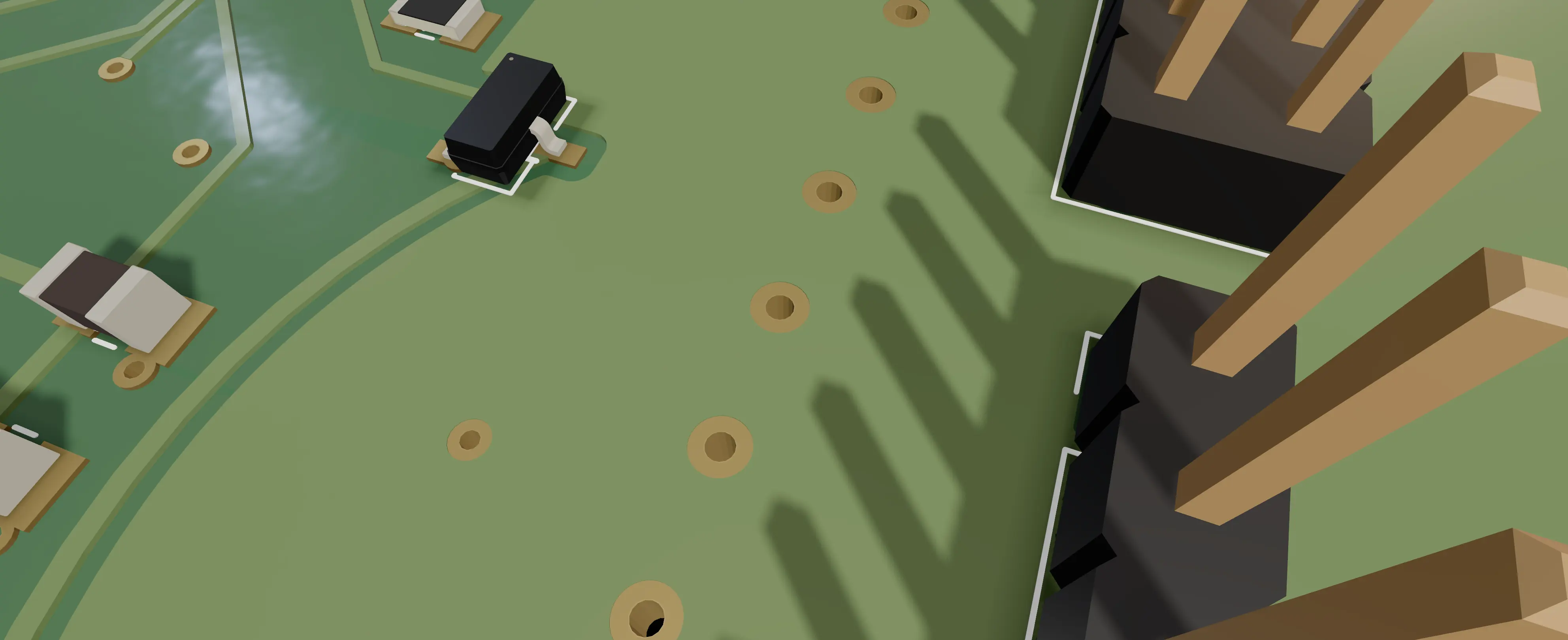
The viewer draws the mask drooping over the copper under it, the spokes that hold a pad to a pour, and a slotted drill as a slot — because those are the things you get a board back wrong for.

What comes out of it

Where it runs

04

One arrow leaves the machine.

No account, no telemetry. Point it at a model on your own machine and nothing leaves at all.

Your machine Schematic Board Libraries Rivet PCB the turn The endpoint you name nothing else

Crosses the line

  • The turnWhat you asked, and what the agent needs to answer it — to the endpoint you configured.
  • Test connectionOnly when you press it, to the same endpoint.

Does not exist, so cannot leave

  • Telemetry, analytics, usage counters
  • Crash reports
  • An account, a login or a licence check
What you are installing

Does it actually work

05

A score, with its bad rows showing.

48 hand-labelled cases. A case passes only because the engine, asked afterwards, says the board is in the labelled state — not because the reply read well.

Five runs against the pinned deepseek-v4-flash scored 29, 32, 33, 33 and 38 of 48 — a range, not a number, because the drift is ±6 cases and pretending otherwise would be the flattering version.

The whole table

Open it. Ask it for a board.

Free, and there is no account. Every platform.

Bring a key from any provider, or point it at a model on your own machine.

Questions people actually ask

Is this a KiCad fork?

No. It is its own editor with its own engine, and it is compatible with KiCad: it ships the KiCad symbol and footprint libraries, reads them, and writes symbols and footprints back out in the same format. Your existing parts open. Your work leaves.

Windows and Linux?

Both, on x64 and on ARM64 — six builds in total, listed with their sizes and checksums on the download page.

The geometry engine is a native C++ addon, and a native addon has to be compiled on the platform it runs on. So each platform is compiled on its own machine, and the packaging step refuses to run unless the binary it is about to wrap really targets that platform — checked by reading the file's own header, not by trusting the path it came from.

The Windows installer is not code-signed yet, so SmartScreen will warn on first run; the download page says what to click.

macOS says it cannot check the app for malicious software.

It will, and that is on us. The build is signed with a real Developer ID — MINIMALI LLC — but it is not notarised yet, and notarisation is the step that dialog is complaining about. Right-click the app in Applications, choose Open, then Open again on the dialog. macOS remembers, and you never see it again.

Do not run xattr -d com.apple.quarantine on it. You will find that advice everywhere and it is the wrong habit: it strips the quarantine flag off whatever you point it at, which is exactly the check you want working the next time something less honest asks you to run it.

Do I need an account, or a credit card?

Neither. There is no sign-up, no licence check and no trial clock. The agent needs a key from a model provider, which is yours and goes in the settings; or point it at a model running on your own machine and it makes no outbound request at all. What is paid and what is not.

What does the agent cost to run?

On your own key, whatever your provider charges for the tokens — a turn like the one on this page is a few cents on a cheap model. Or take the subscription and we buy the tokens; the pricing page says what a month of it includes and what happens when you reach the end of it.

Does it actually work, or does it just look like it works?

48 hand-labelled cases, and a case passes only because the engine, asked afterwards, says the board is in the labelled state — not because the answer read well and not because a tool returned OK.

Five runs against the pinned deepseek-v4-flash scored 29, 32, 33, 33 and 38 of 48. We publish the range rather than the best one, and only 19 of the 48 pass in all five runs. Placing parts is 8/8 and pouring copper is 4/4; repairing violations is 2/6 and asking a clarifying question instead of guessing is 0/2. Those last two are the worst things it does and they are printed here for the same reason as the first two. The whole table.

Can I use it without the agent?

Yes, and plenty do. Close the panel and it is a schematic editor and a board editor, complete, with no key configured and nothing leaving the machine.